Free Quote Templates
A quote template (or quotation template) is the fastest way to send a professional, itemized price to your client. Pick your format below, choose an industry version with a filled-out example, or skip the download and build your quote online — free, no sign-up.
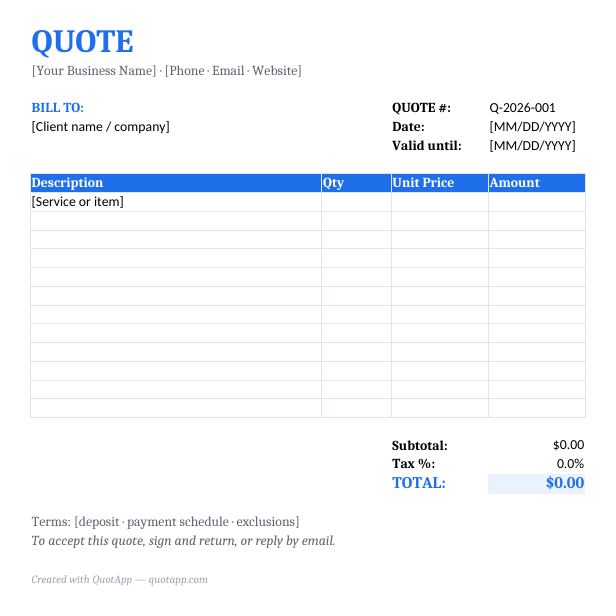
By format
Quote & Estimate Template for Word
Quote and estimate versions, with a step-by-step Word guide.
Quote & Estimate Template for Excel
Quote and estimate versions, with a step-by-step Excel guide.
Quote & Estimate Template for Google Docs
Quote and estimate versions, with a step-by-step Google Docs guide.
By industry — with a filled-out example and price ranges
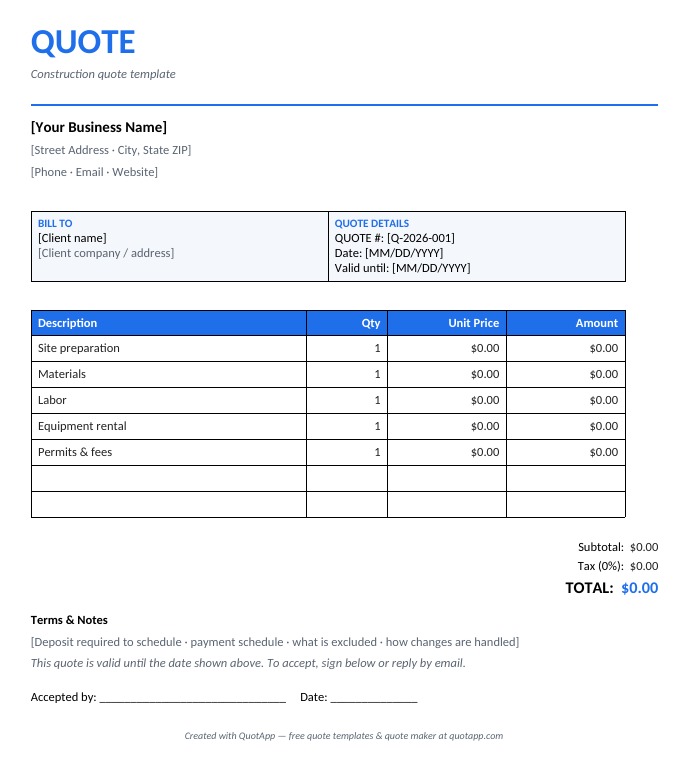
Construction Quote Template
Worked example, typical US prices, variants and a pricing walkthrough.
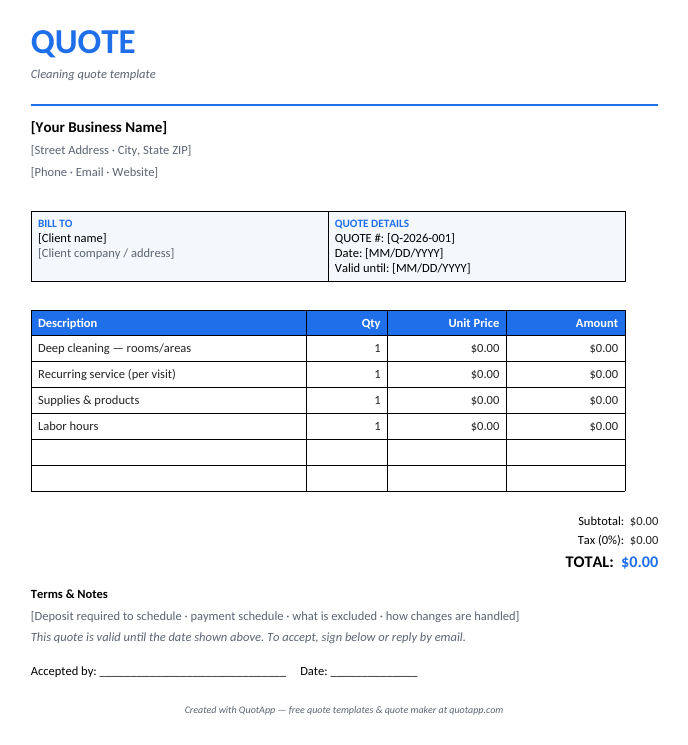
Cleaning Quote Template
Worked example, typical US prices, variants and a pricing walkthrough.
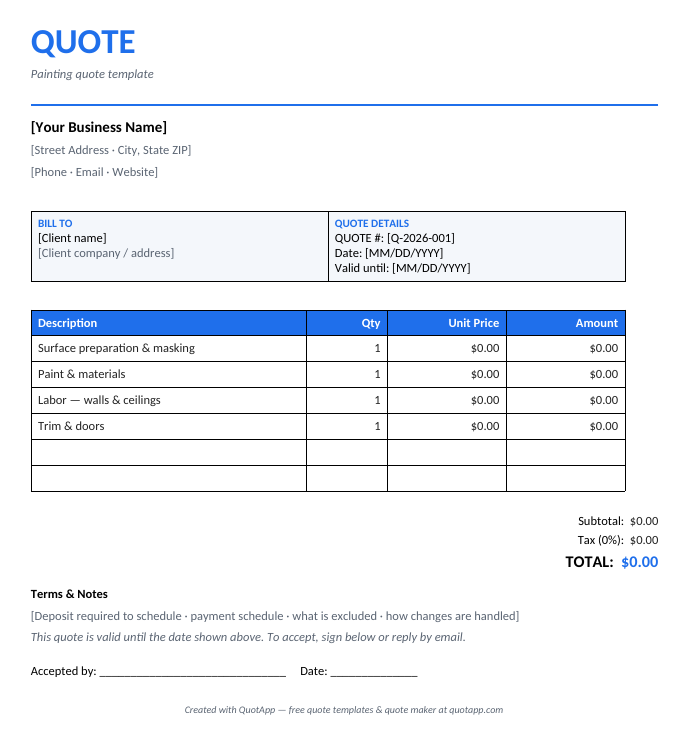
Painting Quote Template
Worked example, typical US prices, variants and a pricing walkthrough.
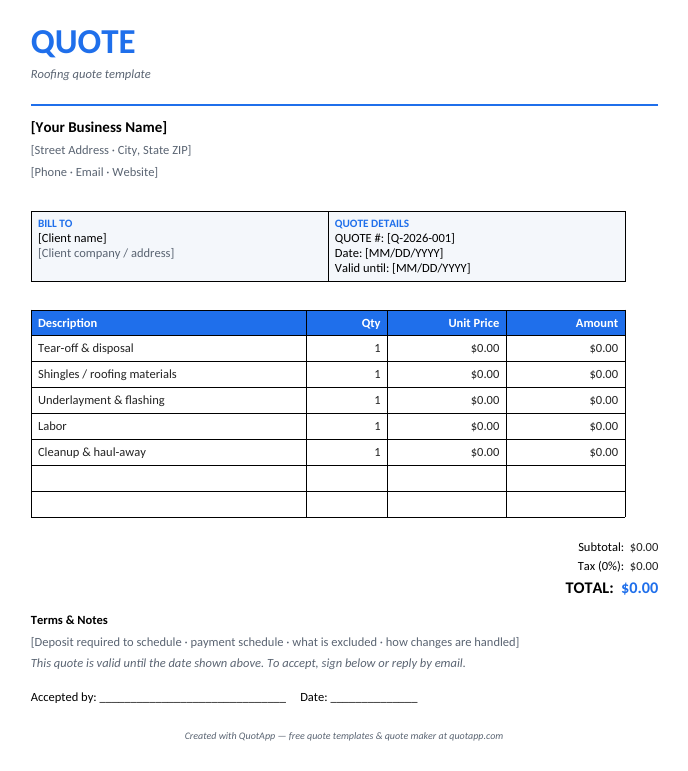
Roofing Quote Template
Worked example, typical US prices, variants and a pricing walkthrough.
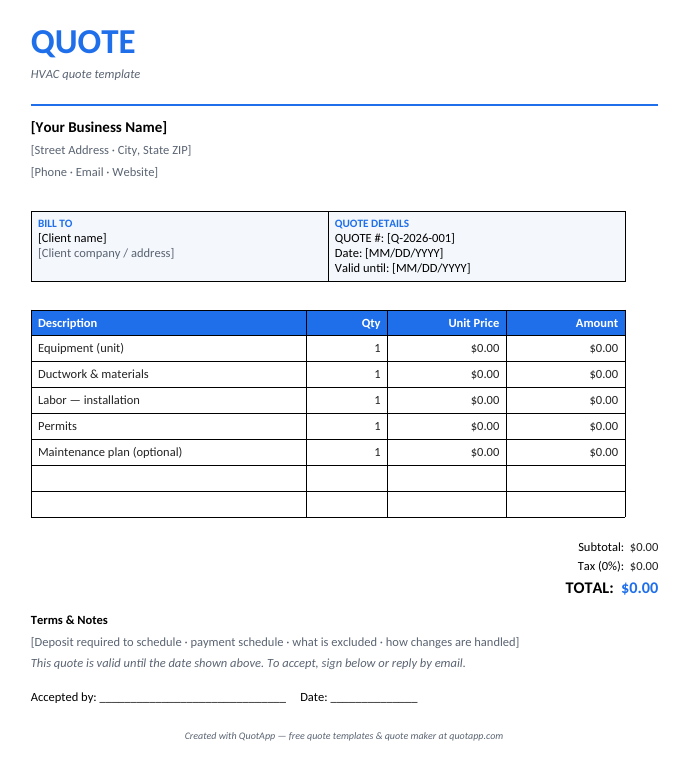
HVAC Quote Template
Worked example, typical US prices, variants and a pricing walkthrough.
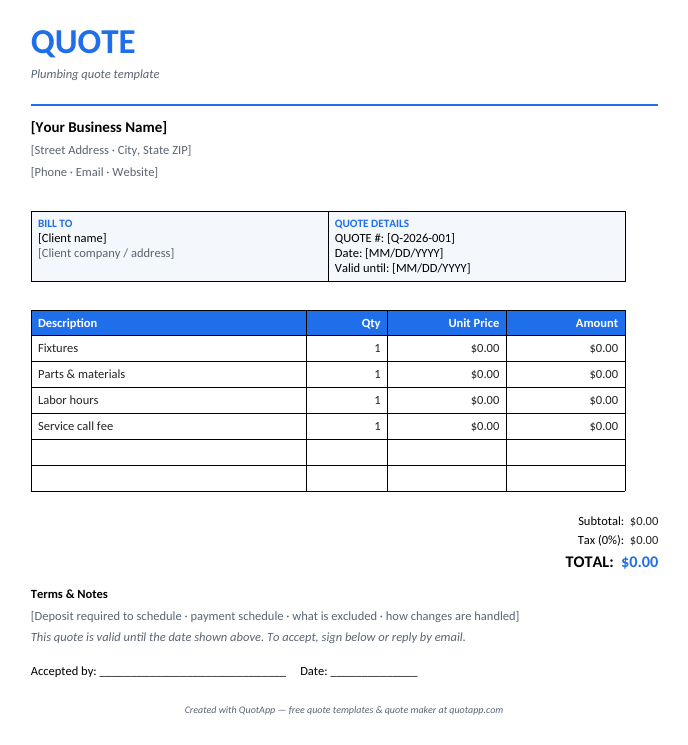
Plumbing Quote Template
Worked example, typical US prices, variants and a pricing walkthrough.
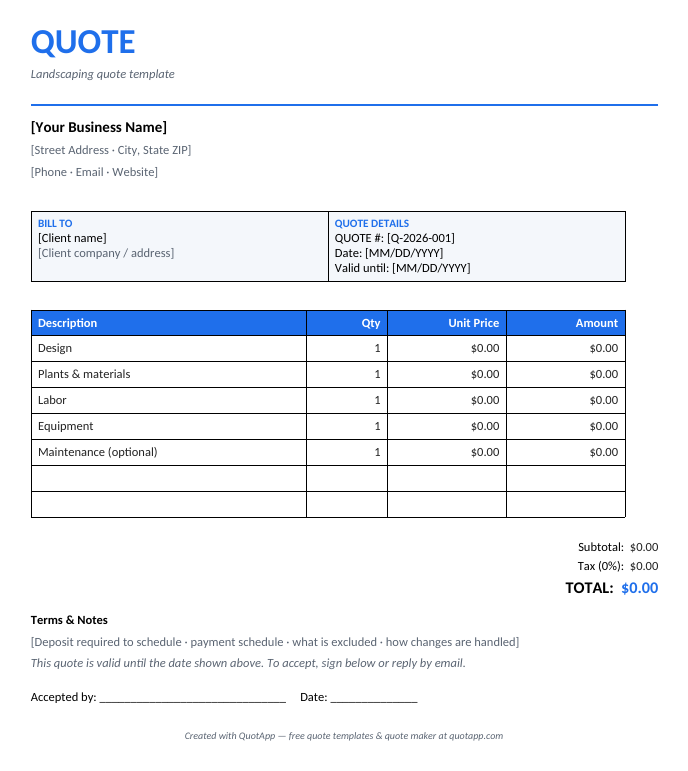
Landscaping Quote Template
Worked example, typical US prices, variants and a pricing walkthrough.
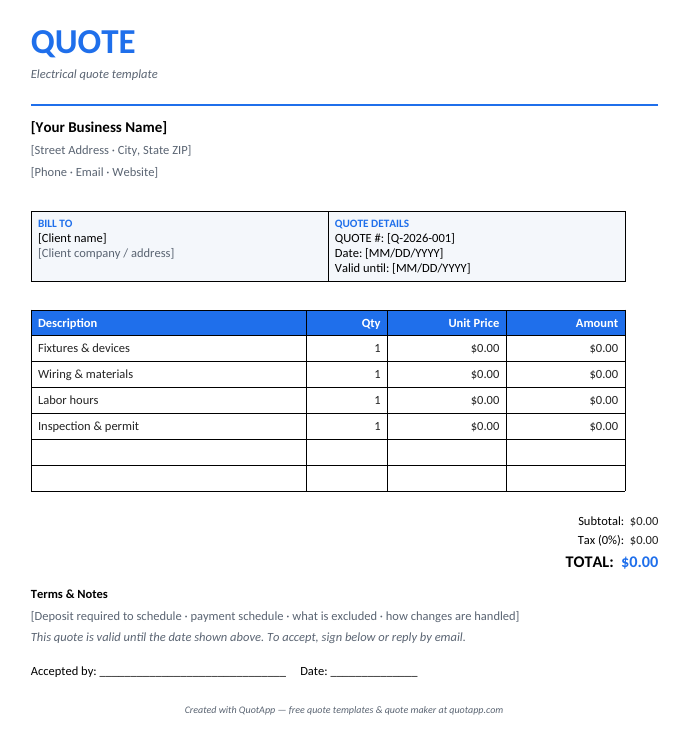
Electrical Quote Template
Worked example, typical US prices, variants and a pricing walkthrough.
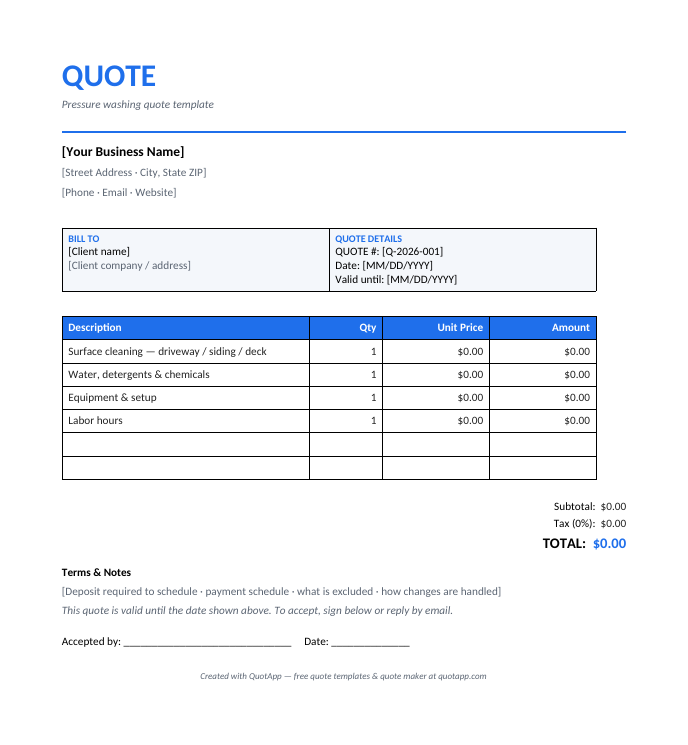
Pressure Washing Quote Template
Worked example, typical US prices, variants and a pricing walkthrough.
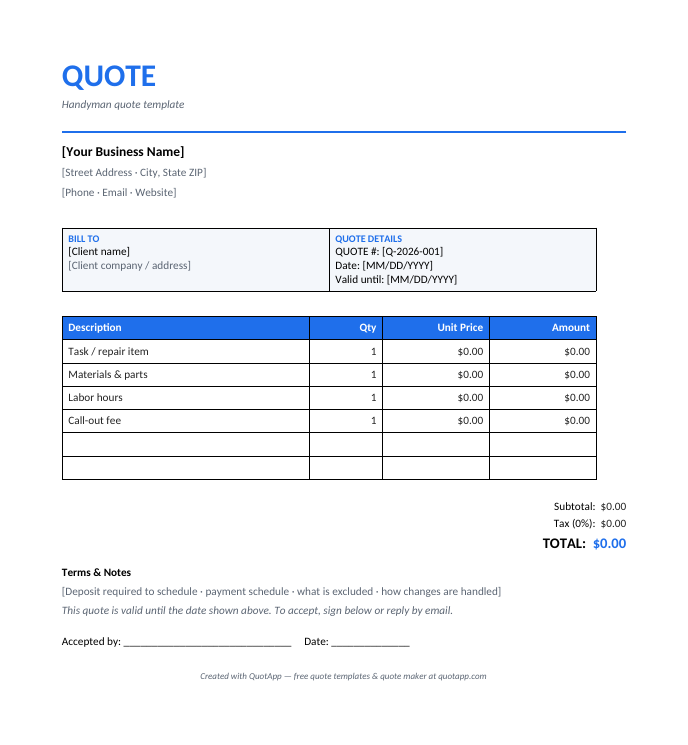
Handyman Quote Template
Worked example, typical US prices, variants and a pricing walkthrough.
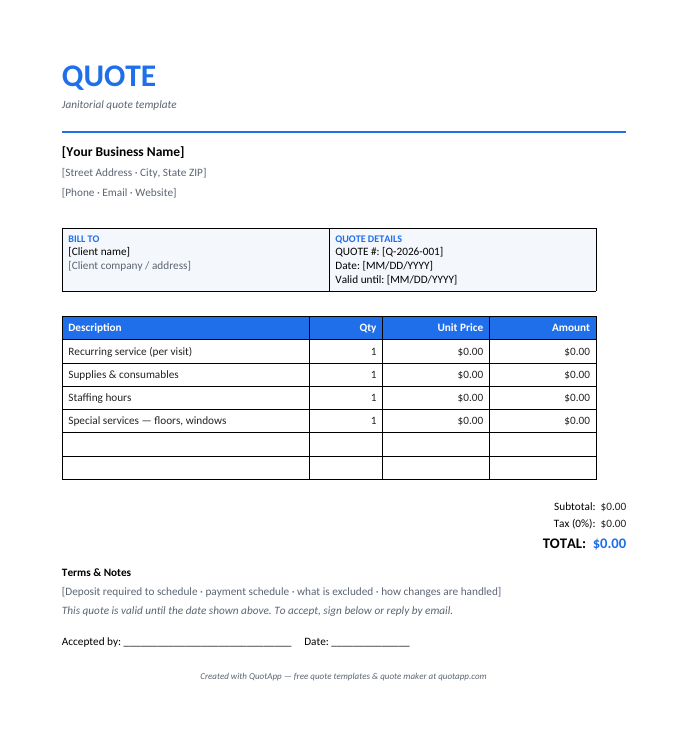
Janitorial Quote Template
Worked example, typical US prices, variants and a pricing walkthrough.
Need the reasoning around the price? See the proposal templates. Need a number before the scope is final? See the estimate templates.
What makes a quote win the job?
Clients say yes to quotes that are fast, clear and professional. Speed matters most — studies of service businesses consistently show the first professional quote to arrive wins a disproportionate share of jobs. Clarity comes second: an itemized breakdown of labor, materials and extras builds trust, while a single lump sum invites haggling. Presentation closes the deal: a branded, well-formatted PDF signals that you run your business as carefully as you will run their job.
- Send it fast: quote the same day you visit the job.
- Itemize everything: separate labor, materials and optional extras.
- State validity: "valid for 30 days" creates gentle urgency.
- Make accepting easy: include a signature line or acceptance instructions.
Frequently asked questions
What is a quote template?
A quote template is a pre-formatted document with your business details, an itemized list of products or services, prices, taxes, totals, a validity period and terms. You fill it in, export it to PDF and send it to your client.
What should a quote include?
A professional quote includes: your business name and contact details, the client's details, a unique quote number, the date and validity period, itemized products or services with quantities and unit prices, subtotal, taxes, total, and your terms and conditions.
Is a quote legally binding?
Generally, once a client accepts a quote, it forms the basis of a contract and the price is binding for the validity period stated. This differs from an estimate, which is a non-binding approximation. Rules vary by jurisdiction.
Which format should I use — Word, Excel or PDF?
Use Excel or Google Sheets if you want automatic calculations, Word or Google Docs for the cleanest layout control, and always send the final quote to your client as a PDF so it cannot be edited.
How long should a quote be valid for?
30 days is the most common validity period. If your material costs change quickly (construction, roofing), 7–14 days is safer.
Can I use these templates commercially?
Yes. Every QuotApp template is free for personal and commercial use, no attribution required.
How do I number my quotes?
Use a simple sequential format such as Q-2026-001. Consistent numbering looks professional and makes it easy to reference quotes in invoices and contracts later.
Quote vs invoice — what is the difference?
A quote is sent before the work to propose a price; an invoice is sent after (or during) the work to request payment. Many businesses convert an accepted quote directly into an invoice.
Skip the template. Build it online.
The free QuotApp quote maker fills in the math, formats everything professionally, and gives you a ready-to-send PDF in under a minute.
Create a free quote now